
Fire Simulators for Tactical Size-Up & Realistic Fireground Training
Create and practice fire and smoke scenarios with drag and drop elements. Choose from various fire scene templates or use your own photo to simulate realistic Fireground incidents.
Explore our intuitive fire scene emergency training simulators, ideal for incident command drills, tactical training, officer development, and department firefighter testing or presentations. No software installation is needed for our free, user-friendly size-up, fire command and control tools. Stay prepared and stay safe on the Fireground! Use FreeFireSimulator's online fire training tools, all from the comfort of your fire station recliner.
Incident Command & Structure Fire Training Simulators
Select a scenario below to begin your size-up. Use the drag-and-drop tools to create realistic smoke and fire scene simulations for training drills — works on mouse or touchscreen.
Interactive Fireground Training Scenarios
NEWFire Behavior & Chemistry for Firefighters
A training guide to combustion, fuels, heat, phases of fire, flashover, backdraft and extinguishment theory. Each lesson includes real incident case files, firefighter terms, study questions and links to the simulators, so you can understand the chemical and physical nature of fire before you size up the scene.
- Anatomy of Fire & Oxidizing Agents
- Fuels: Solids, Liquids, Gases & Flammable Range
- Sources of Heat Energy
- Phases of Fire, Flashover & Backdraft
- Heat Transfer
- Products of Combustion
- Extinguishment Theory & Classes of Fire
- Fire Behavior Glossary
Researched from NIST, UL Firefighter Safety Research Institute, OSHA/NIOSH and NASA sources, with real incident case files. For educational and training purposes only.
Fire Service Training Library
Investigate factors that affect the spread and intensity of wildfires, review building construction and collapse risks, and learn from NIOSH reports.
 Live WFCA Wildfire & Air Ops Map
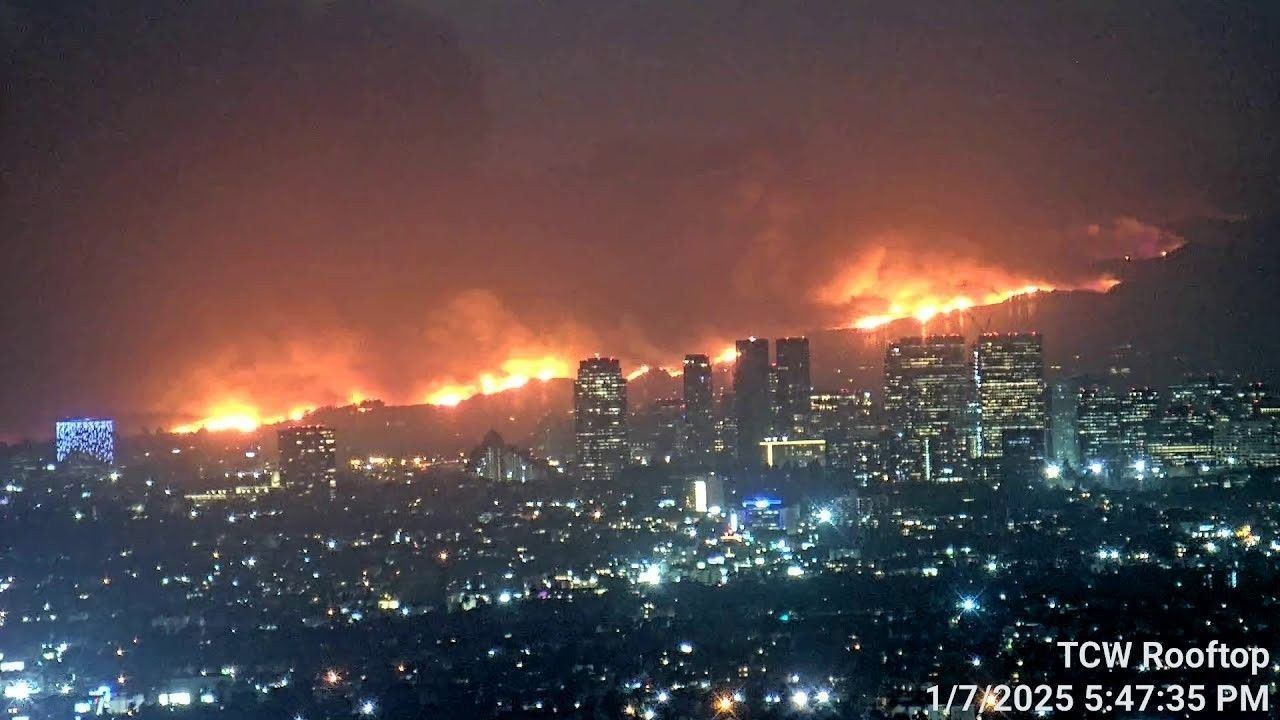
Track Real-Time Firefighting Operations on this WFCA Wildland fire Map.
Wildfire Management Simulator
Investigate factors that affect the spread and intensity of wildfires under different conditions such as terrain, vegetation type, drought level, and wind conditions.
Five Essential Factors for Structure Fire Size-Up and Training
Enhance your knowledge of the building factors that drive fire size-up.
Structural Loading, Foundations, and Collapse Patterns
Be prepared for special situations.
Pre and Post Earthquake Retrofit Masonry Risks and Hazards
Masonry construction fire risks for fire officers and recruits.
How wood frame construction affects fire behavior, collapse risk, and tactical decisions
Wood frame construction training for recruits and fire officers.
Floor Collapse in a Row House
Prevent fatalities with NIOSH reports.
Preventing Death and Injuries at Strip Mall fires
Short summary of NIOSH findings.
Fire Behavior & Chemistry for Firefighters
Combustion, fuels, heat, phases of fire, flashover, backdraft and extinguishment theory.
Live WFCA Wildfire & Air Ops Map
Track Real-Time Firefighting Operations on this WFCA Wildland fire Map.
Wildfire Management Simulator
Investigate factors that affect the spread and intensity of wildfires under different conditions such as terrain, vegetation type, drought level, and wind conditions.
Five Essential Factors for Structure Fire Size-Up and Training
Enhance your knowledge of the building factors that drive fire size-up.
Structural Loading, Foundations, and Collapse Patterns
Be prepared for special situations.
Pre and Post Earthquake Retrofit Masonry Risks and Hazards
Masonry construction fire risks for fire officers and recruits.
How wood frame construction affects fire behavior, collapse risk, and tactical decisions
Wood frame construction training for recruits and fire officers.
Floor Collapse in a Row House
Prevent fatalities with NIOSH reports.
Preventing Death and Injuries at Strip Mall fires
Short summary of NIOSH findings.
Fire Behavior & Chemistry for Firefighters
Combustion, fuels, heat, phases of fire, flashover, backdraft and extinguishment theory.
Tactical Drills for Fire Officer Development
This browser-based tool is designed for fire department training, allowing officers to practice "size-up" and command decision-making in a safe, repeatable environment. No software installation is required for station-wide drills.
Real-Time Wildfire & Urban Fire Modeling
From wildland fire tactics to residential structure fires, our simulator provides the visual tools needed for comprehensive fire safety software evaluations and emergency response planning.
What Is a Fire Simulator? Frequently Asked Questions
What is a fire simulator?
A fire simulator is a training tool that lets you place fire and smoke on a scene to practice size-up, command decisions, and tactical thinking without live fire. Free Fire Simulator is browser-based and uses drag-and-drop fire and smoke on realistic scenes such as houses, apartments, strip malls, hotels, and parking garages.
Is Free Fire Simulator a game?
No. It is a training tool built for fire officers, chiefs, firefighters, instructors, and recruits. It is meant for size-up practice, incident command drills, officer development, and department presentations.
Is it free, and do I need to install anything?
Yes, the simulators are free to use and no software installation is needed. Everything runs in your web browser.
Does it work on phones and tablets?
Yes. The simulators work with a mouse or a touchscreen.
Can I use my own photo for a scenario?
Yes. The Upload Your Own Photo tool on freefiresim.com lets you build a simulation on your own scene photo.
Where can I learn fire behavior and fire chemistry?
The Fire Behavior & Chemistry for Firefighters guide covers combustion, fuels, sources of heat energy, phases of fire, flashover, backdraft, heat transfer, products of combustion, and extinguishment theory and classes of fire.
Is there a wildfire simulator too?
Yes. The Wildfire Simulator lets you explore how terrain, vegetation type, drought level, and wind conditions affect the spread and intensity of a wildfire, and the live WFCA wildland fire map shows current incidents.